Marketplace Add-on Listing Tutorial
This tutorial shows how to install and use the Prove TCPA Compliance Marketplace Add-on with the Twilio Lookup API to verify that a phone number is active and still owned by the customer. For more detailed instructions on installing and configuring an Add-on listing, see the Marketplace listings usage guide.
Install and enable Add-on listings through the Twilio Console. Once installed, they enhance specific Twilio APIs, such as Twilio Voice and Programmable Messaging. The Prove TCPA Compliance Add-on helps ensure a number is compliant with Telephone Consumer Protection Act (TCPA) regulations.
To install the Prove TCPA Compliance Add-on, follow these steps:
- Select Prove TCPA Compliance from the catalog.
- Click Install.
- Under the Configure tab, check the Lookups box.
- View all installed Marketplace Add-ons by clicking on Marketplace > Installed.
The Prove TCPA Compliance Add-on lets you verify whether a phone number is active and still owned by the customer before sending an SMS message, which helps ensure compliance with TCPA regulations.
To use this Add-on, install it like the Trestle Reverse Phone Add-on. Go to the Add-on catalog, locate and select Prove TCPA Compliance, and select Install.
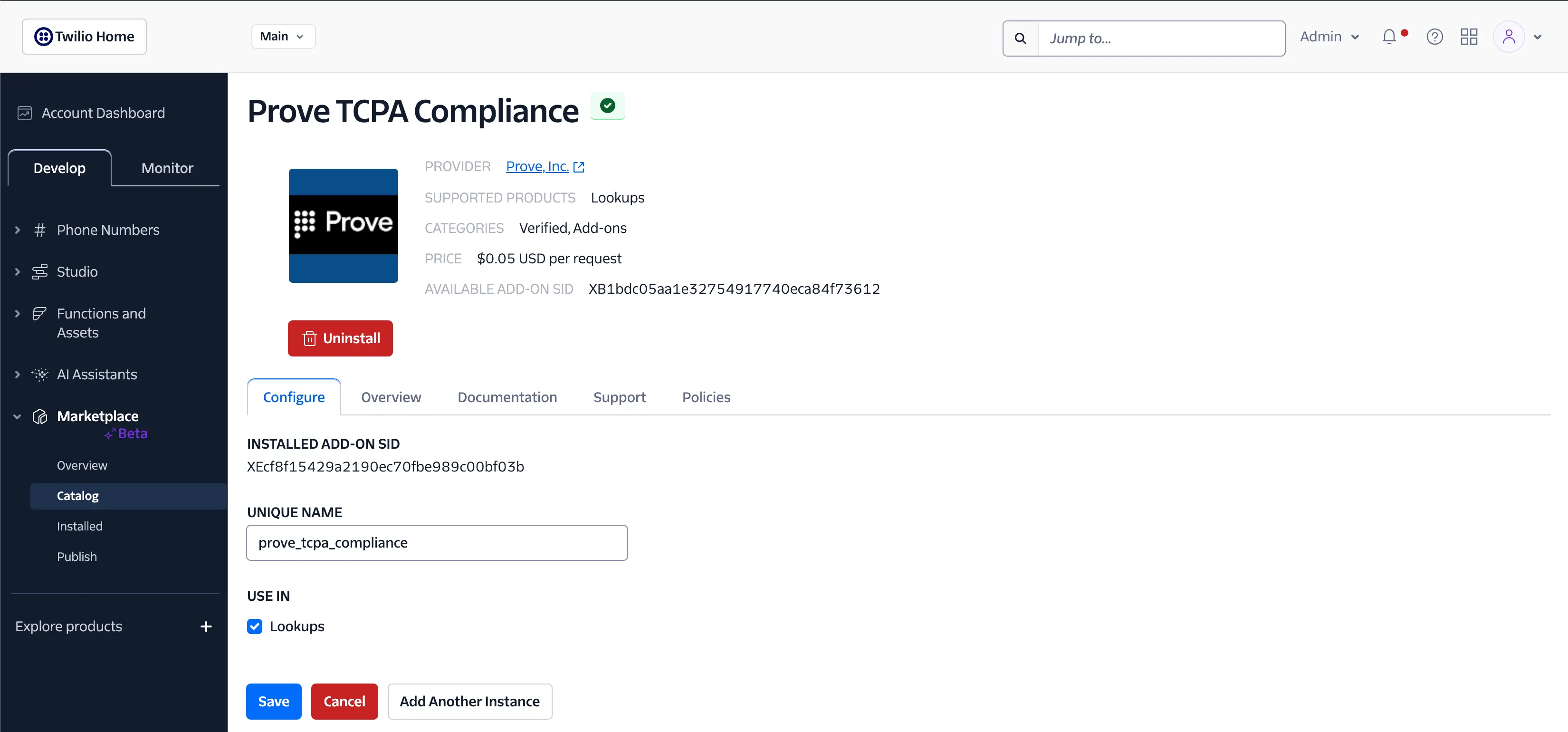
Since the goal is to leverage the Twilio Lookup API to find TCPA compliance information for a phone number, check the Lookups box under the Configure tab of the Prove TCPA Compliance Add-on. Afterwards, query for the TCPA compliance information on the target phone number using the following code:
curl --location --request GET 'https://lookups.twilio.com/v1/PhoneNumbers/+18005550100/?AddOns=prove_tcpa_compliance&AddOns.prove_tcpa_compliance.RightPartyContactedDate=20160101' -u $TWILIO_API_KEY:$TWILIO_API_SECRET
Example response:
1{2"Status": 0,3"Description": "Success",4"RequestId": "7f83-b0c4-90e0-90b3-11e10800200c9a66",5"Response": {6"VerifyNumberTransactionId": "144356671",7"PayfoneAlias": "C24C4C54DR10481C4E0U44ERMVUP9S1TUNXPLA2T753ETMCFOA086TYMCAQL00B4E0CLC4C24BHZPO4QWPN68EAV14ERTVPMMEP7OCXTRBQR17YERTMK749",8"MSISDNType": "Mobile",9"NumberMatch": "Y"10}11}
The results from the TCPA Compliance Lookup are organized into a structured format. The key NumberMatch indicates Y for a compliant number, N for a non-compliant number, and I for an indeterminate number. The response also includes keys related to the identification of the device claiming ownership of the number. For demographic and carrier information, use the Trestle Reverse Phone Add-on.
For more information on using Marketplace Add-ons, refer to the How to use Add-on Listings Guide.